Presenter view
Prepare and guide the live interaction.
Configure the session, share access, monitor contributions, and control the flow.
From setup to live participation
SlidePulse gives the presenter a control space, the audience a simple browser view, and the room a shared display—all connected to the same live session.
Examples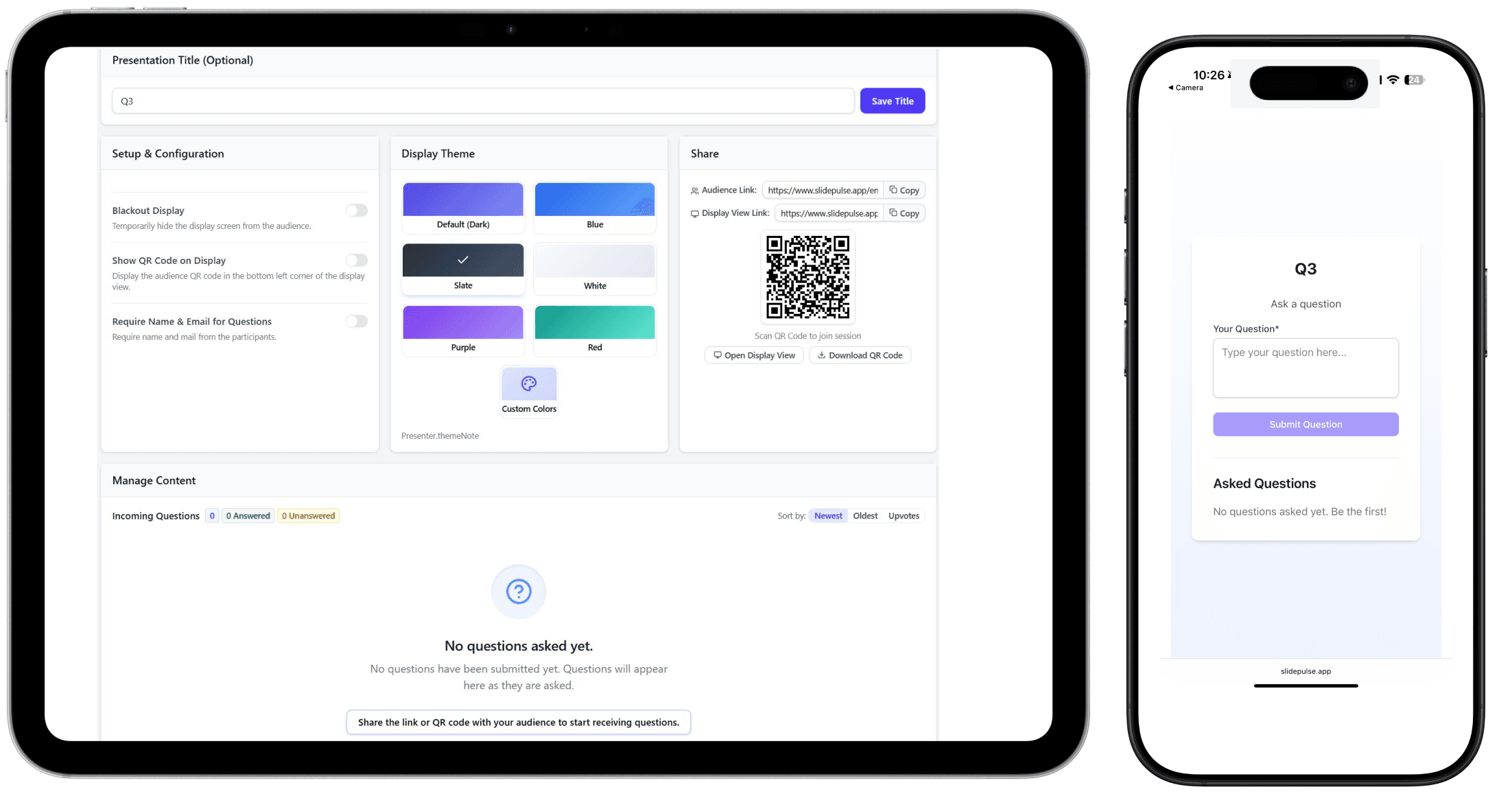
The live loop
The workflow is designed around facilitation: prepare the interaction, invite people in, and guide what happens next.
Start with the format that matches the moment—such as a poll, Q&A, discussion, or quick vote.
Name the session and configure the question, choices, topics, or other content the format needs.
Put the QR code or audience link on screen. Participants open the session in their browser.
Follow responses in the presenter view and use the room display to make the conversation visible.
Moderate contributions, reveal results, and move the room forward without leaving the presenter workspace.
Close the interaction, review what the room contributed, and export structured responses where the mode supports it.
Built around the people in the room
Separate views keep setup, participation, and shared results from competing for space on one screen.
Prepare and guide the live interaction.
Configure the session, share access, monitor contributions, and control the flow.
A focused way to take part from a phone.
Open the session from a QR code or link and respond in the browser.
A dedicated view for the shared screen.
Keep prompts, questions, and live results visible to the room.
Low-friction participation
Participants can join the session without installing audience software. The presenter keeps a separate workspace while the shared display stays ready for the room.
Create a session, share the audience link, and guide the interaction live.