Education
Check understanding during a lecture and make space for questions from the whole class.
Lectures, seminars, and training
Run live polls, Q&A, discussions, and quick votes from one presenter workspace. Audiences join by QR code or link—without an app or audience account.
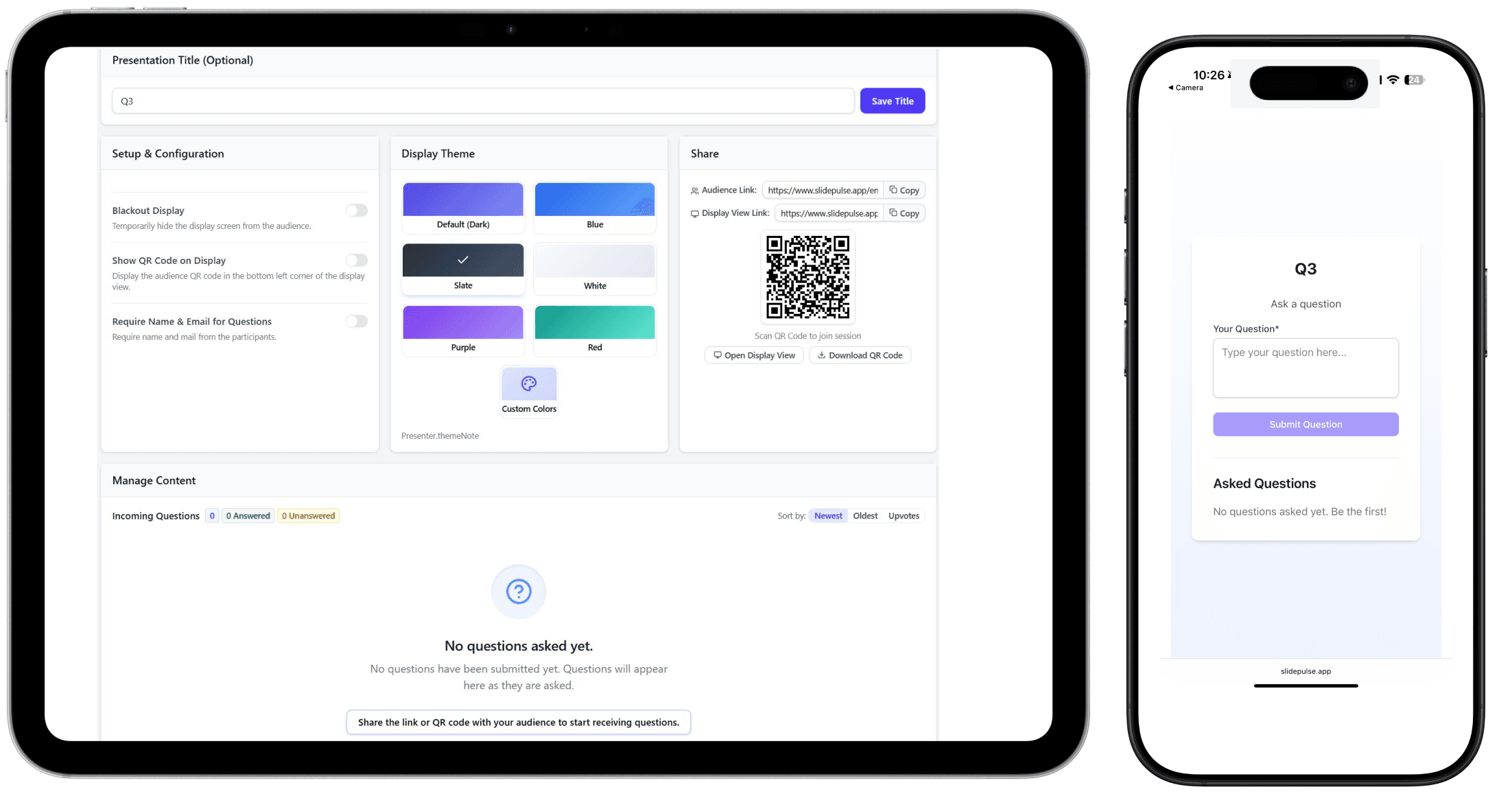
Set up the interaction and guide what the room sees.
Join from a browser and respond from any phone.
Share questions and results as they arrive.
Made for real rooms
Start with the outcome you need, then choose the interaction that helps the room get there.
Check understanding during a lecture and make space for questions from the whole class.
Lectures, seminars, and training
Invite questions and quick decisions without passing a microphone around the room.
Keynotes, panels, and conferences
Capture a starting position, facilitate the exchange, then make any opinion shift visible.
Motions, public forums, and deliberation
Move workshops and town halls from broadcast mode to structured participation.
Workshops, all-hands, and planning
A simple live loop
The presenter stays in control while every participant gets a clear way into the conversation.
Create a poll, Q&A, discussion, or quick vote for the moment in front of you.
Put the QR code or audience link on screen. Participants join in their browser.
Watch responses arrive and move the room forward with a shared display.
The live toolkit
Each format has a focused job, so the technology stays out of the facilitator’s way.
Offer clear choices and show the room how the responses are distributed.
FeaturesCollect questions in one place and let participants surface what matters.
FeaturesOpen topics for written contributions, replies, and reactions.
FeaturesTake the temperature of the room with a simple up-or-down response.
FeaturesOpinion Shift Debate
Start with a position, hold the discussion, then ask again. SlidePulse keeps the before-and-after arc visible to the facilitator and the room.
Starting position
Live discussion
Position after
Plans
Pricing lives in one place, so you can always review the current options before you start.
Good to know
Create a session, share one link, and give everyone a clear way to take part.