Skip to content

Session patterns

Start with the room, not the tool.

These practical formats show how a facilitator can use one or several live interactions without turning the session into a game.

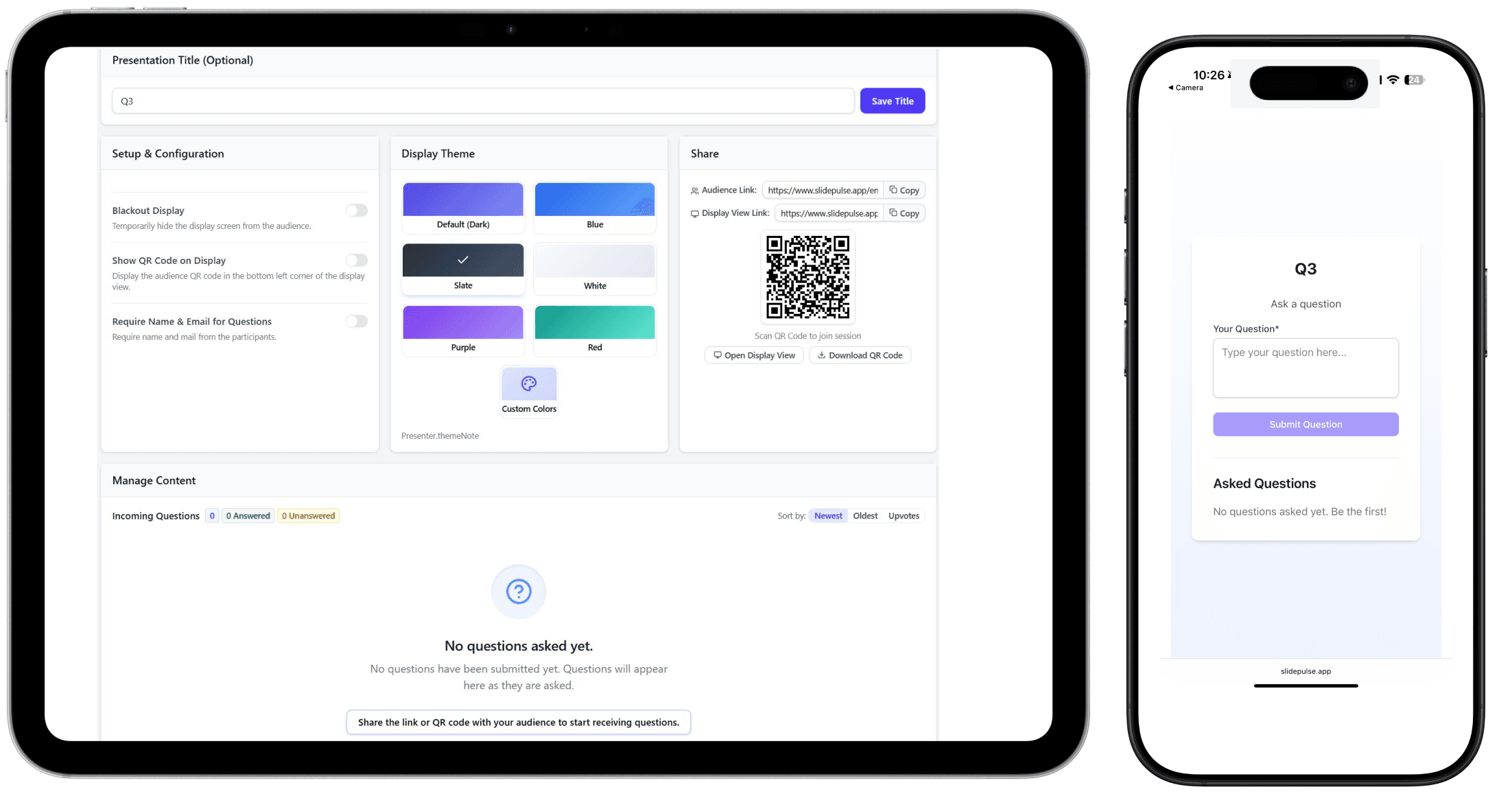
SlidePulse presenter and mobile audience views

Four ways to run it

A clear participation arc for the moment you are leading.

Classroom or seminar

Lecture pulse check

See what the class understands and surface the questions that need airtime.

Suggested flow

  1. 1Open with one diagnostic poll.
  2. 2Teach or discuss the result.
  3. 3Collect and prioritize Q&A before moving on.

Interaction tools

PollQ&A

Keynote, panel, or town hall

Auditorium Q&A

Give a large room one fair channel for questions without passing a microphone around.

Suggested flow

  1. 1Put the QR code on the shared screen.
  2. 2Let the audience submit and upvote questions.
  3. 3Work through the highest-priority themes live.

Interaction tools

Q&AVote

Debate, public forum, or deliberation

Opinion Shift Debate

Make the starting position and any opinion shift visible to the room.

Suggested flow

  1. 1Capture the baseline position.
  2. 2Hold the moderated exchange.
  3. 3Ask again and compare the result.

Interaction tools

PollOpinion Shift Debate preview

Planning, training, or working session

Workshop decision loop

Move from input to a visible decision while keeping quieter participants involved.

Suggested flow

  1. 1Collect proposals or concerns.
  2. 2Discuss the strongest themes.
  3. 3Close with a quick choice or priority vote.

Interaction tools

DiscussionVote

Build the next conversation around your room.

Start with one interaction today, then enable guided multi-step sessions when the preview is ready for your rollout.